
Contents 7
E-Commerce’s Invisible Shift: WhatsApp
If you run a Shopify store in Turkey, your real sales channel isn’t your product page — it’s WhatsApp. “Do you have this in stock?”, “how many days for delivery?”, “can I pay cash on delivery?”, “where’s my order?” The same five questions, forty times a day, including at 2:30 in the morning.
I talked to store owners answering all of this by hand. They all had the same two problems: a late reply loses the customer, and a chunk of cash-on-delivery (COD) orders are ghosts — the courier shows up, nobody takes the package, and the store eats the round-trip shipping cost.
So I built ChatFlow: an automation layer that hands the WhatsApp conversation to AI. This post covers the four automations that actually work, the order you should set them up in, and — the part you rarely see in product posts — the things that don’t work yet, which is why I don’t promise them.
The Four Automations That Work
1. 24/7 Answers: Product, Price, Stock, Policy
The bot is wired to the store’s Shopify catalog and to the brand’s policies. Ask “do you have this, how much is it?” and it returns the real price plus a product link from the catalog. Ask “how long is delivery, which courier, how do returns work?” and it answers from the brand’s policies. Ask the same question a third time and it still answers, without dumping you on a human.
The small things that make the difference in practice:
- Merging split messages. Customers type in three separate bubbles; the bot reads them as one intent (this is exactly how people actually message).
- Greeting intelligence. It doesn’t open every message with “Hello!” — it handles the greeting once and treats the goodbye separately.
- Off-topic filter. It doesn’t force an answer to an irrelevant message and derail the flow.
- Handoff to a human. When it can’t solve something, or the customer asks for a person, it hands the conversation to an operator and goes quiet. When the operator types, the bot pauses; when they’re done, it picks back up.
That last point is the most underrated: the most important feature of a good sales bot is knowing when to shut up.
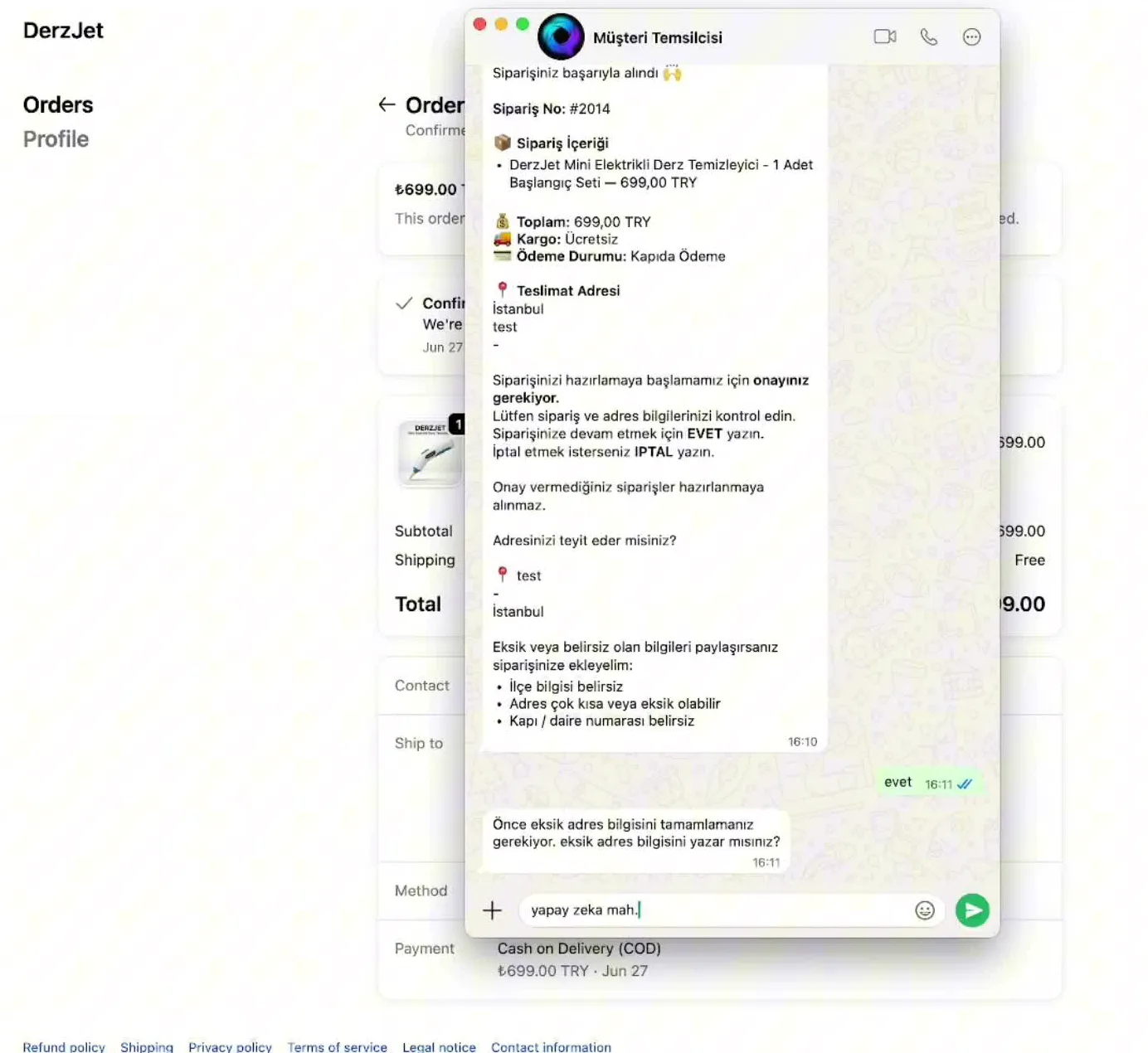
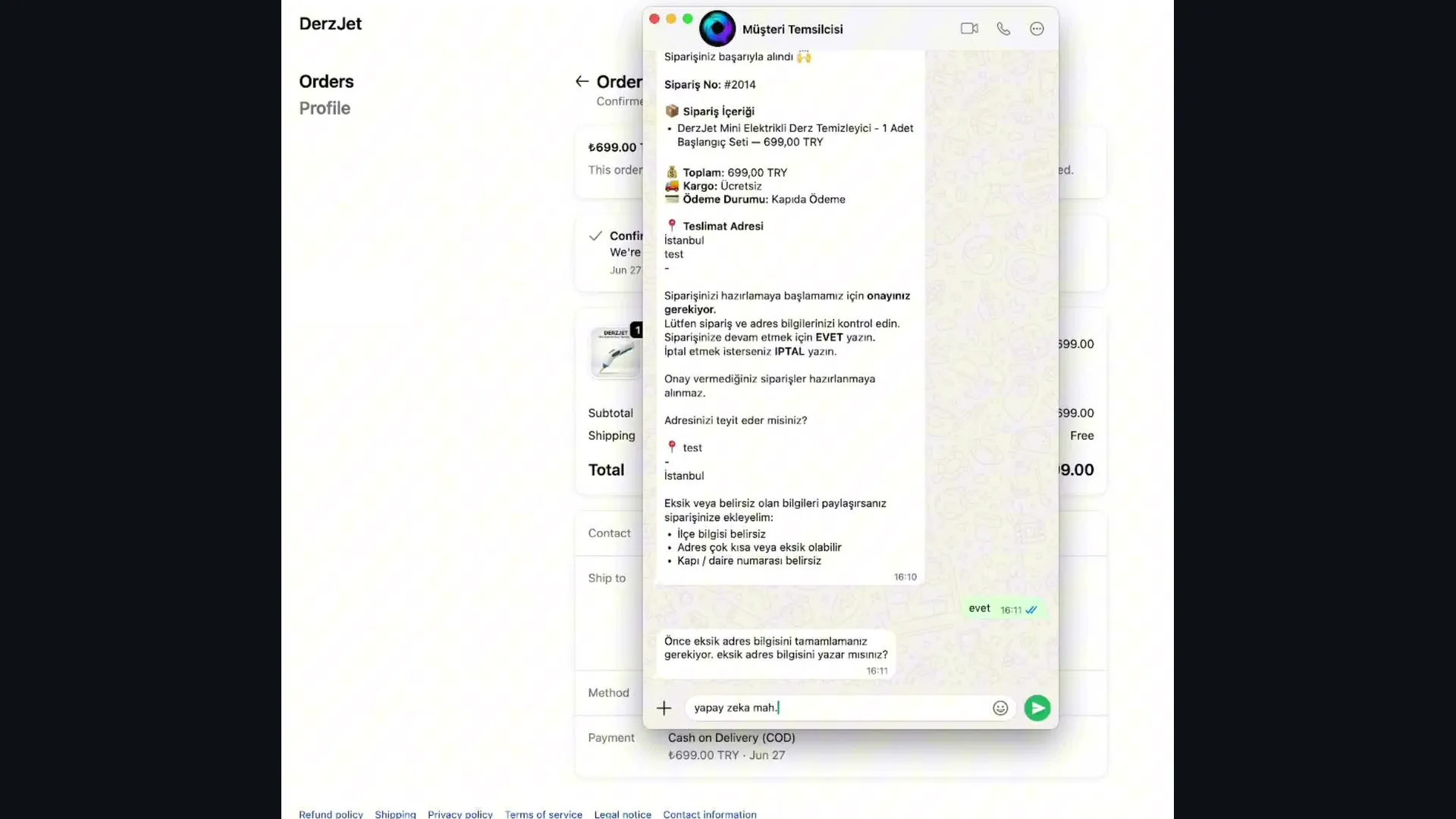
2. Cash-on-Delivery Confirmation — and Collecting the Cancellation Reason
COD is a convenience for customers and a door for ghost orders. The automation works like this:
- A COD order lands in Shopify.
- The customer gets a WhatsApp confirmation message: order summary plus “do you confirm?”
- They can confirm in a dozen different phrasings (“yes / ok / confirmed”) — all of them get caught, and the order moves to
confirmed. - If they don’t want it, the bot asks why and drops the answer, attached to the right phone number, into the operator panel.
Step four is the valuable one. The cancellation was going to happen anyway; but “why did you change your mind?” is far more useful than a courier trip to nowhere. Once cancellation reasons pile up, you see the real problem — price, delivery time, or a misleading product description.
Under the hood: the order state machine handles multiple pending orders (it targets the newest), it doesn’t ask for COD confirmation on orders already paid online, and it leaves a short undo window after confirmation.
3. Three-Step Cart Recovery
A customer who abandons their cart gets a reminder containing the brand, the items in the cart, and a payment link. If there’s no reply, a second one follows, then a third — with the copy, the intervals and the repeat count all configurable from the dashboard.
The difference from email is obvious: a WhatsApp message gets opened; an email doesn’t. But that’s exactly why you have to be restrained — the three-reminder cap and minimum interval exist so the system doesn’t turn into harassment. If you don’t set the limit on your automation, the customer will set it for you by blocking you.
4. Shipping Notification (With Tracking Link)
When an order ships, the customer gets a message with the brand, the item and a tracking link. This automation has exactly one job — zeroing out “where’s my order?” messages — and it does it. It ships off by default; the store owner turns it on. Every automated message that reaches a customer should be a deliberate choice.
Setup Order — What You Can Do Today
If you’re building something similar, the order matters. Get it backwards and your bot starts talking with the wrong information:
- Knowledge base first: connect the product catalog plus return / delivery / payment / shipping policies. A bot without a knowledge base will invent answers, confidently.
- Then tone: make the bot’s voice (casual or formal) match your brand.
- Then the WhatsApp connection: connect the number, but run it in answer-only mode at first.
- Then COD confirmation: turn on the cash-on-delivery flow and watch a few real orders go through it.
- Cart recovery and shipping notifications last: these are outbound messages — leave the riskiest for the end.
- Always: keep handoff on. Make sure a human can take over when the bot can’t cope.
The Things I Don’t Promise (Truth Rule)
This section doesn’t usually appear in product posts, but my rule is simple: if a feature isn’t proven in production, it doesn’t get sold. As of July 12, when I wrote this, here’s what I don’t promise:
- Automatic satisfaction surveys. The survey exists in the dashboard and is configurable — but the automatic dispatch is off. So I won’t say “it goes out 3 days after delivery,” because it doesn’t.
- Automatic COD reminders. If a customer doesn’t reply to the confirmation message, there’s no automatic second nudge.
- Digital product delivery. The interface exists; end-to-end verification doesn’t. So: “soon.”
- The message/conversation list in the dashboard. A known permissions bug keeps it from loading. Demoing a broken screen as a feature is the fastest way to lose a customer in week one.
Update (Sep 29, 2026): The current scope of each plan is on the pricing page.
I write this down not out of modesty but as sales strategy: the biggest risk with AI products is the disappointment that shows up right after setup. A product that says “this works, this doesn’t” up front gets far fewer refunds than one sold on hype.
Copy-Paste: A COD Confirmation Message Skeleton
Your confirmation message has to do three things at once: recall the order, make confirming easy, and make cancelling easy too (yes — making cancellation easy is good, because a ghost package gets killed before it ever reaches a courier):
Hi {name} 👋
One last confirmation for your {brand} order:

🛍️ {items}
💳 Payment: Cash on delivery — {total}
📍 Address: {short_address}

Do you confirm your order?
Just reply "Yes" to confirm.
If you've changed your mind, reply "No" — and we'd love to hear why, briefly.
Why it works: one question, a one-step answer, and a visible exit. A message that pressures the customer into confirming gets no reply at all — and an unanswered order still gets loaded onto a truck.
Where This Plugs In
I’m not building ChatFlow alone: I break the work into sprints and hand it to an AI agent team running on autopilot. To stop that team from losing context between sessions, I built a persistent memory system. The same team also shipped the engine that clips my livestreams automatically.
New posts by email: I break down how I built these automations, which message copy actually converts, and my other e-commerce automation experiments. Subscribe with the form at the end of this page; unsubscribe in one click.
Running a Shopify store? ChatFlow answers customer questions on WhatsApp 24/7, confirms cash-on-delivery orders, recovers abandoned carts and sends shipping updates automatically. Setup is free on every plan; current plans and monthly quotas are on the pricing page. Take a look at ChatFlow.
Conclusion
Handing WhatsApp sales to AI is not “I installed a bot, I’m done.” The setup that actually works stands on four legs: a bot that speaks from real data, a flow that gets COD orders confirmed, a restrained cart recovery sequence, and a handoff that knows when to go quiet and fetch a human. Everything else — surveys, reminders, dashboards — is noise until those four are solid.
Author: Murat Baskıcıoğlu

Read to the end to awaken
Finishing marks the post as read. Saved only in this browser.
Next quests
Get new posts by email
The agent systems I build, the prompts that work, the real numbers. Ready to copy.